Google Search Console sends you an email. "New crawl errors detected on your site." Your stomach drops.
I get it. Nobody wants to see error warnings on their website. It feels like something's broken. Like Google is punishing you.
But here's the thing: most crawl errors in Google Search Console aren't emergencies. Some aren't even problems. The trick is knowing which ones matter and which ones you can ignore.
Let me walk you through how to fix crawl errors without the stress.
What Are Crawl Errors
A crawl error happens when Googlebot tries to reach a page on your site and fails. That's it.
Google sends out little bots to scan your website. They follow links, check pages, and report back what they find. When a bot hits a page it can't access, that's a crawl error. Simple as that.
Not all SEO crawl errors are the same. Some are your fault. Some aren't. Some matter for rankings. Some don't.
The two main types you'll see in Google Search Console are site errors and URL errors.
Site errors affect your whole website. Your server is down, your DNS is misconfigured, something big is broken. These are rare but serious.
URL errors affect individual pages. A deleted page, a broken link, a robots.txt block. These are common and usually easy to fix.
Why Crawl Errors Matter
Google can't rank pages it can't crawl.
If your important pages throw crawl errors, they won't show up in search results. It's that simple.
But here's the nuance most guides skip: not every crawl issue hurts your rankings. A 404 error on a page you deleted on purpose? That's fine. Google expects old pages to disappear sometimes. What matters is how you handle it.
The real problem is when crawl errors pile up over time. A few broken links become dozens. Dozens become hundreds. Suddenly your site looks abandoned. Google notices that.
There's also the human side. Someone clicks a link to your site and lands on an error page. They leave. You lost a potential customer. That's the friction point nobody thinks about.
Common Crawl Errors in Google Search Console
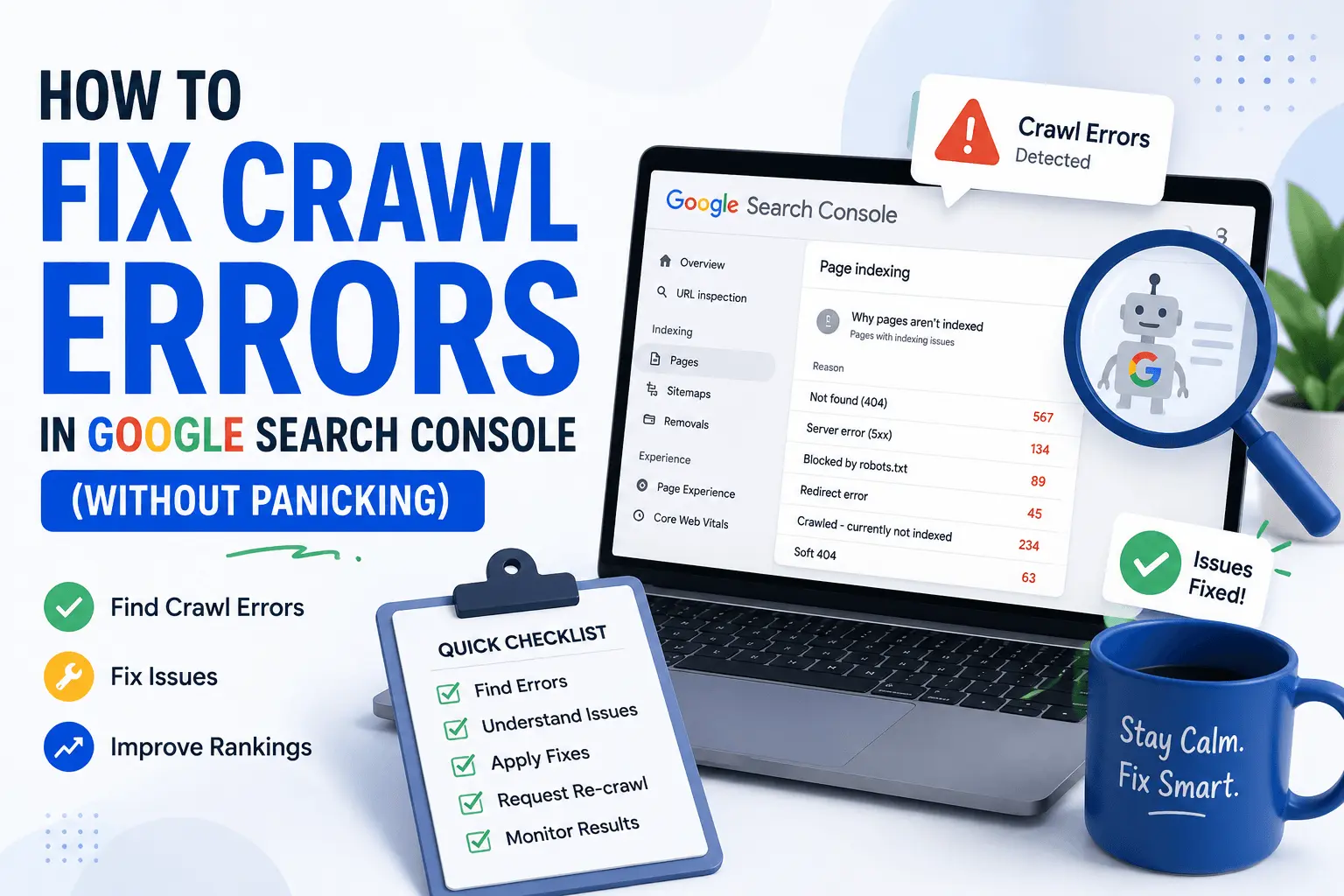
Before you fix anything, you need to know what you're looking at. Open Search Console, go to the Pages report under Indexing, and look at the "not indexed" section.
Here are the crawl errors you'll see most often:
- 404 Not Found: A page that doesn't exist anymore. Could be deleted. Could be a typo in a link.
- Server error (5xx): Your server crashed when Google visited. This is almost always a hosting problem.
- Redirect error: You created a redirect chain or loop. Google gave up trying to follow it.
- Blocked by robots.txt: You told Google not to crawl this page. If accidental, it's an easy fix.
- Crawled but not indexed: Google saw the page but chose not to index it. Thin content or duplicate content is usually the reason.
- Soft 404: Google thinks the page should be a 404 but you're serving a 200 status. The page exists but has no real content.
Some of these are actual problems. Others are just Google being thorough. Knowing which is which saves you hours of unnecessary work.
How to Fix Crawl Errors Step by Step
Here's the actual process I use when fixing crawl errors. No fluff.
Fix 404 errors first. Find pages returning 404. If the page was deleted but has a good replacement, set up a 301 redirect to that replacement. If no replacement exists and the page had no traffic or backlinks, let it 404. That's fine.
Handle server errors next. If Google reports 5xx errors, check if your site was down recently. A one-time server blip fixes itself when Google recrawls. If errors keep showing up, call your hosting provider. This isn't an SEO problem.
Clean up redirects. Redirect chains happen when Page A points to Page B, which points to Page C. Change all redirects to go straight to the final page. One hop. That's all you need.
Check your robots.txt. If important pages are blocked, update your robots.txt file. Run it through a free robots.txt tester to confirm the fix works before you move on.
Review crawled but not indexed pages. If Google sees the page but won't index it, the content probably isn't good enough. Improve it or merge it with a stronger page.
Fix soft 404s. If a page has no real content, either add content, redirect it to a relevant page, or return a proper 404 status code.
Before you start, run a full site scan with our free SEO checker. It catches crawl errors alongside other technical issues you might be missing.
Real Examples of Fixing Crawl Issues
Let me show you what these look like in practice.
Example 1: The Deleted Product Page
You sell handmade candles. You discontinued the lavender scent and deleted the product page. Google reports a 404 error.
Fix: Create a 301 redirect from the lavender candle page to your main candle category page. Visitors looking for lavender get something similar instead of a dead end.
Example 2: The Accidental robots.txt Block
You installed a security plugin. It added Disallow: /blog/ to your robots.txt without telling you. Google stops crawling your blog entirely. That's a crawl issue you created by accident.
Fix: Check your robots.txt at yoursite.com/robots.txt. Find the block, remove it. Test with the robots.txt tester tool linked above. Submit the URL in Search Console for re-crawling.
Example 3: The Redirect Chain
Page A redirects to Page B. Page B redirects to Page C. Page C redirects to Page D. Google gives up after too many hops and logs a crawl error.
Fix: Change all redirects to point straight to Page D. One hop. That's all you need.
Example 4: The Quiet Server Failure
Your hosting had a bad night. Your site went down for three hours. Google visited during that window and logged server errors.
Fix: If the site is back up, the crawl error resolves on its own. Google recrawls and sees the page is fine. If errors keep appearing, your hosting is the problem.
Example 5: The Broken Internal Link
You linked to a blog post from 2021 that you later deleted. Every page linking to it now creates a crawl error.
Fix: Find and fix broken internal links. Our broken link checker scans your site and shows every broken link in one list. Fix them or remove them.
Quick Crawl Error Checklist
When you're fixing crawl errors, work through this list:
- Check 404 errors and add redirects for important pages
- Remove or fix redirect chains so they point directly to the final URL
- Review your robots.txt file — make sure nothing important is blocked
- Monitor server errors and contact your host if they keep appearing
- Update your xml sitemap so Google focuses on your actual pages
- Submit fixed URLs in Search Console for faster re-crawling
Need a clean sitemap? Our XML sitemap generator creates one in seconds.
Common Mistakes When Fixing Crawl Errors
People make these constantly:
- Redirecting every 404 to the homepage. Don't. It confuses users and Google treats them as soft 404s anyway.
- Ignoring server errors because they "might go away." Sometimes they do. Usually they don't. Check your hosting.
- Blocking pages in robots.txt and then wondering why they don't rank. If you block a page, Google won't crawl it. Obvious? Yes. Still happens? Constantly.
- Fixing crawl errors that don't matter. A 404 on a page nobody links to and nobody visits? Leave it alone.
- Never verifying the fix. Set up a redirect, test it, then confirm it works in Search Console. If you skip this step, you won't know if the problem is actually solved.
Crawl errors in Google Search Console look scarier than they are.
Most of them are just deleted pages that need redirects. A few are server problems your host should handle. The rest are pages Google doesn't need to index anyway.
Fix the ones that affect your important pages. Ignore the ones that don't. Use our free SEO checker to scan your site and catch crawl issues you might be missing. Check Search Console weekly. Move on with your life.
Now close this tab and go check your actual errors instead of just reading about them.